 Brezy
BrezyYour desktop,
with weather.
Brezy drifts rain, wind, autumn leaves, spring petals, fireflies, birds, snow, fog, stars, rainbows, and sunlight across your screen - in one-tap scenes that can follow the real sky outside, with opt-in scene-aware ambient sound. Calm by default, endlessly customizable.
Free to download · macOS 14+

A 3-minute tour, muted - tap the speaker for sound. The real app runs natively over your desktop.
A whole sky, in layers
Every element is its own toggle with its own controls - mix them, or let a scene do it for you.
Your desktop, synced to the real sky
Flip on match live weather and Brezy checks your local forecast, then sets the scene to match - automatically, refreshing every hour:
Opt-in & private - it uses your device location only with your permission, and nothing leaves your Mac until you turn it on.
One-tap scenes
Set a whole mood in a click - all 13 of them - or turn on match live weather and let Brezy follow your real local sky.
Every scene dresses your desktop from its own trio of 4K wallpapers - on every display, rotating at a pace you pick (or pin a favorite, or import your own) - and the living layer retunes to each picture, so the rays land on that photo's sun or moon. Your own wallpaper is saved first and restored the moment you turn it off.












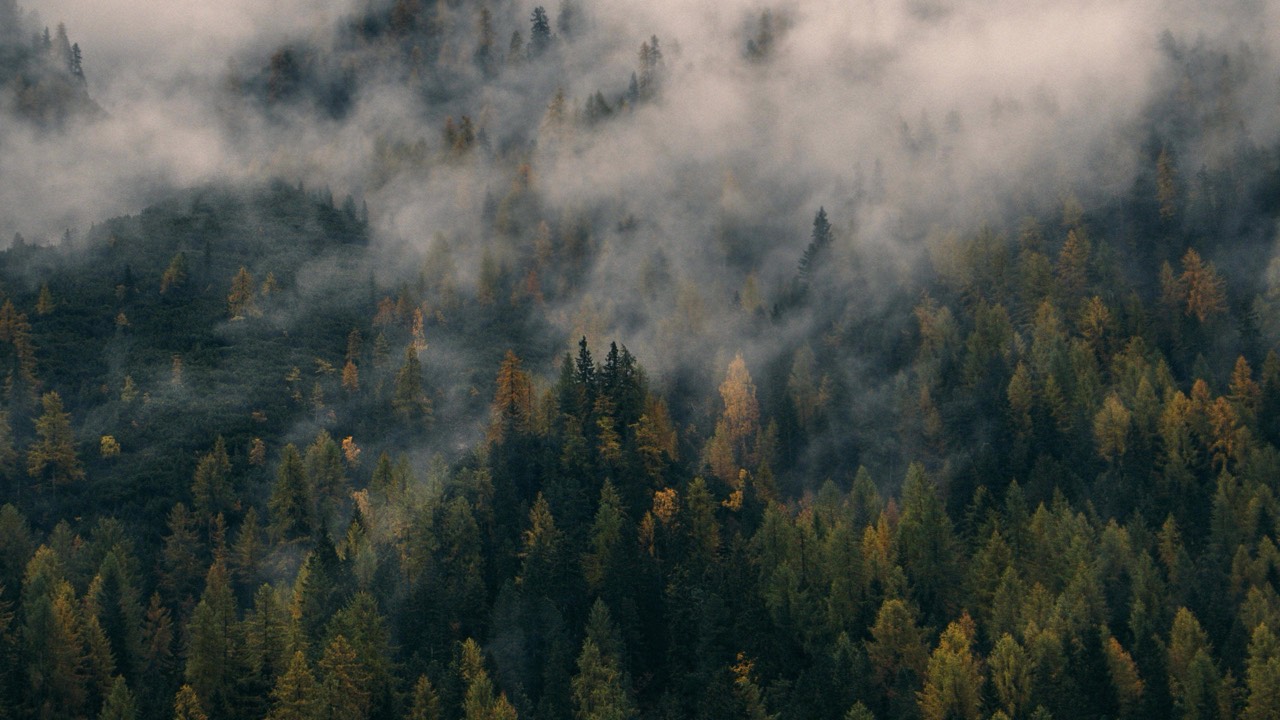



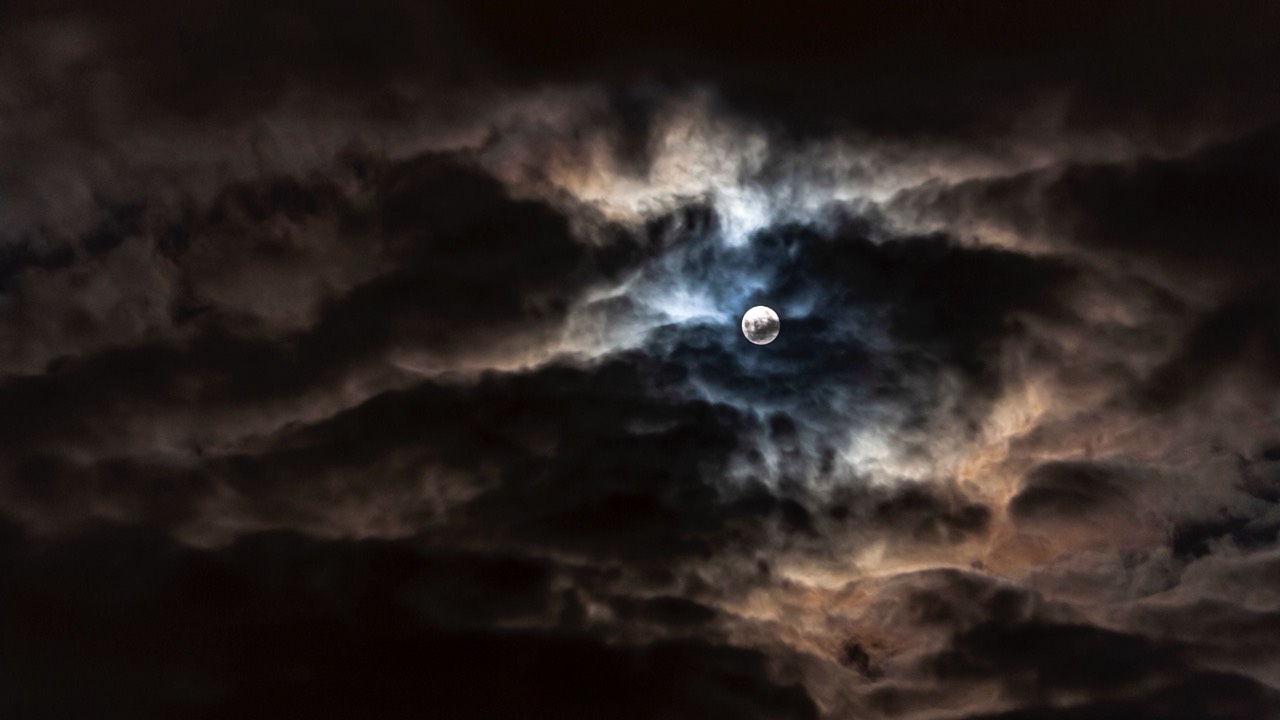

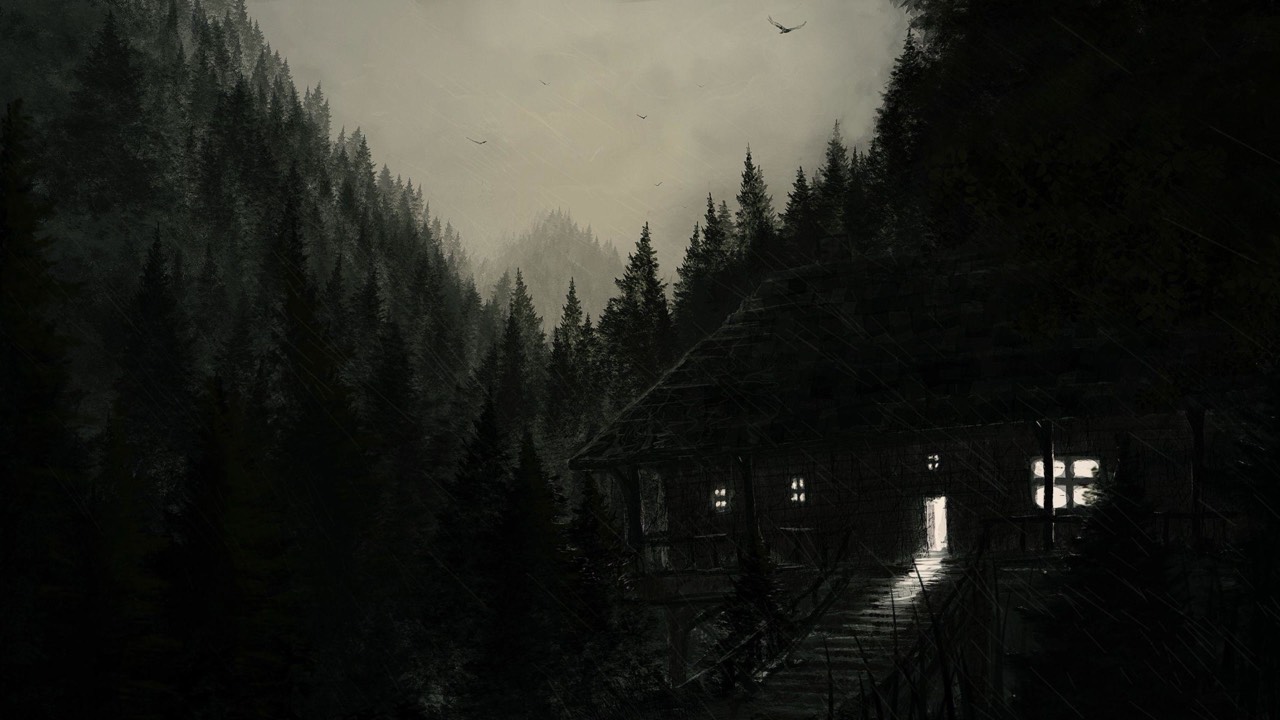


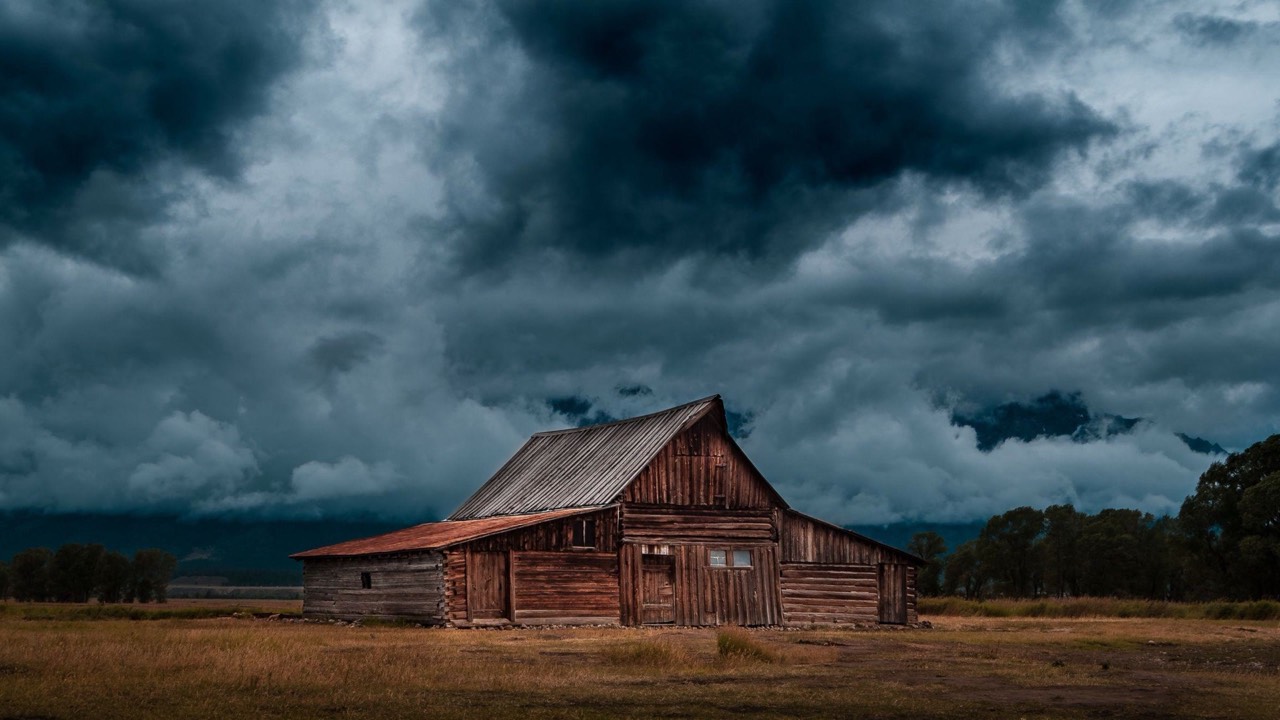

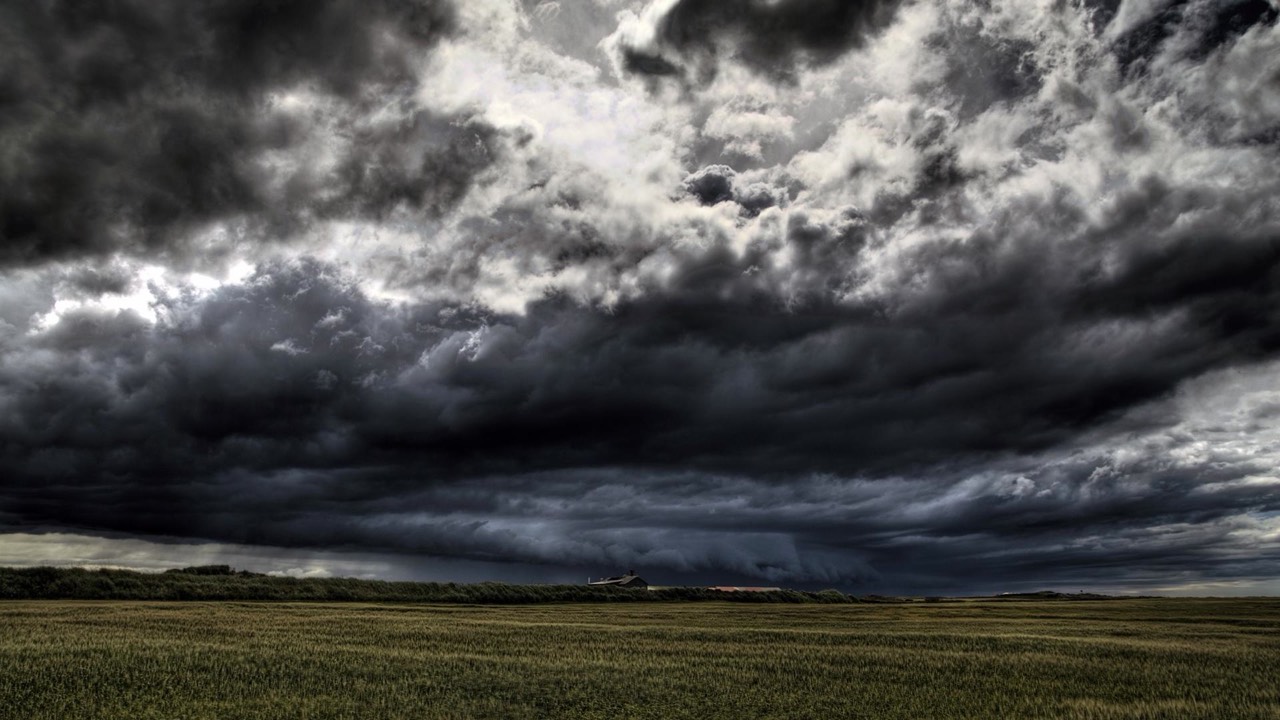













Previews rotate through each scene's three wallpapers - exactly what Brezy does on your desktop.
Questions
What is Brezy?+
A lightweight macOS menu-bar app that paints a calm, living weather scene over your desktop - rain, wind, autumn leaves, spring cherry-blossom petals, fireflies, birds, snow, stars, shimmering aurora, rainbows, fog, light rays, and dust motes drifting on a shared breeze.
Will it distract me while I work?+
It's built to be ambient. Effects are gentle and low-opacity by default, the thunderstorm is off by default and never strobes, and there's a max-FPS cap to keep it light.
Is there ambient sound?+
Yes, but it's off by default and entirely opt-in. Brezy synthesizes gentle rain - re-voiced as a long, steady, soothing wash with soft droplets - plus wind, thunder, daytime birdsong, night crickets, dry-leaf rustle, and rolling ocean surf, wrapped in soft spatial reverb. It's matched to the scene and even to the wallpaper on screen: a stormy night is loud, calm scenes stay quiet, and the surf plays only when the sea is in the picture.
Can I adjust the rain?+
You can set the raindrop width and height, and the water splash scales to match - splashing on your Dock and along the screen's bottom edge.
What is dynamic mode?+
Turn wind, rain, or thunder to “dynamic” and the scene breathes on its own - gusts rise and fall, rain swells and softens, storms roll in and out, and the ambient sound follows along. It makes the whole sky feel alive without touching a single slider.
Can I save my own scenes?+
Yes - mix the elements exactly how you like, then save it with a name and any emoji you want. A saved scene captures everything you changed, not just the elements but settings like “match desktop wallpaper” too, so re-applying it restores your look exactly. Keep up to 20, and rename, re-apply, or delete them anytime.
What's new?+
Every scene now brings three rotating 4K photo wallpapers, and the living layer retunes itself to each picture - moon rays land on the photo's moon, the lake shimmer stays on the water, the golden-hour dolphin leaps right on the horizon, and each sky gets its own cloud mood. The rain sound was re-voiced to be truly soothing, autumn breeze now whispers with rustling leaves instead of a wind whoosh, and Brezy is now on the Mac App Store. Earlier: living scenes with real-time water, birds that perch on your Dock, rain-on-glass, soft rainbows, and “drift through scenes.”
Can Brezy set my desktop wallpaper?+
Yes - opt-in. Turn on “match desktop wallpaper” in Settings and each scene dresses your desktop from its own trio of 4K wallpapers, across every display - rotating on a schedule you pick, or pinned to a favorite, or swapped for an image of your own. Brezy saves your existing wallpaper first and puts it back the moment you turn the feature off.
How does the free trial work?+
Download Brezy free from the Mac App Store and you get a 3-day trial with full access to every scene and element - no account, no card. After the trial, the one-time Brezy Full Unlock in-app purchase keeps everything forever.
Is it a subscription?+
No. Brezy Full Unlock is a single one-time purchase made right inside the app through the App Store. It's tied to your Apple ID, so you can restore it on any of your Macs with the Restore Purchases button.
I bought a license key on this website - is it still valid?+
Yes. Keys bought here before Brezy moved to the Mac App Store keep working forever in the version you downloaded. You can retrieve a lost key anytime at brezy.app/license, or email support@brezy.app. New purchases are App Store only.
Which macOS do I need?+
macOS 14 (Sonoma) or later. It's a tiny menu-bar app with no Dock icon.
Is my data private?+
Nothing leaves your Mac unless you turn on “match live weather”, which uses your device location - only with your permission - to fetch the local forecast. You can leave it off entirely.
Installing
Requires macOS 14 (Sonoma) or later.
Bring your desktop to life
A tiny menu-bar app · macOS 14+ · free to try.